English
 Español
 Português
 Русский
 Deutsch
 Francés
 العربية
 한국어
한국어
 Türk
Türk
 日本語
日本語

CNC Glass Cutting Machines: Check the DXF Before You Cut
When a customer sends a DXF, the number beside an edge and the length of the drawn edge aren't necessarily the same thing. Dimension text can be edited. Geometry can arrive at the wrong scale. A small pane and a large one can fill the same preview window.
At the CNC glass cutting system trial, have the supplier identify the drawing used to prepare the job. A machine trial needs an agreed cutting outline before its dimensional result can mean much. Otherwise, the supplier and buyer may be measuring against different versions of the job.
For a setup being sold with DXF import, start with one of the files your factory normally receives. Include its approved drawing and revision reference.
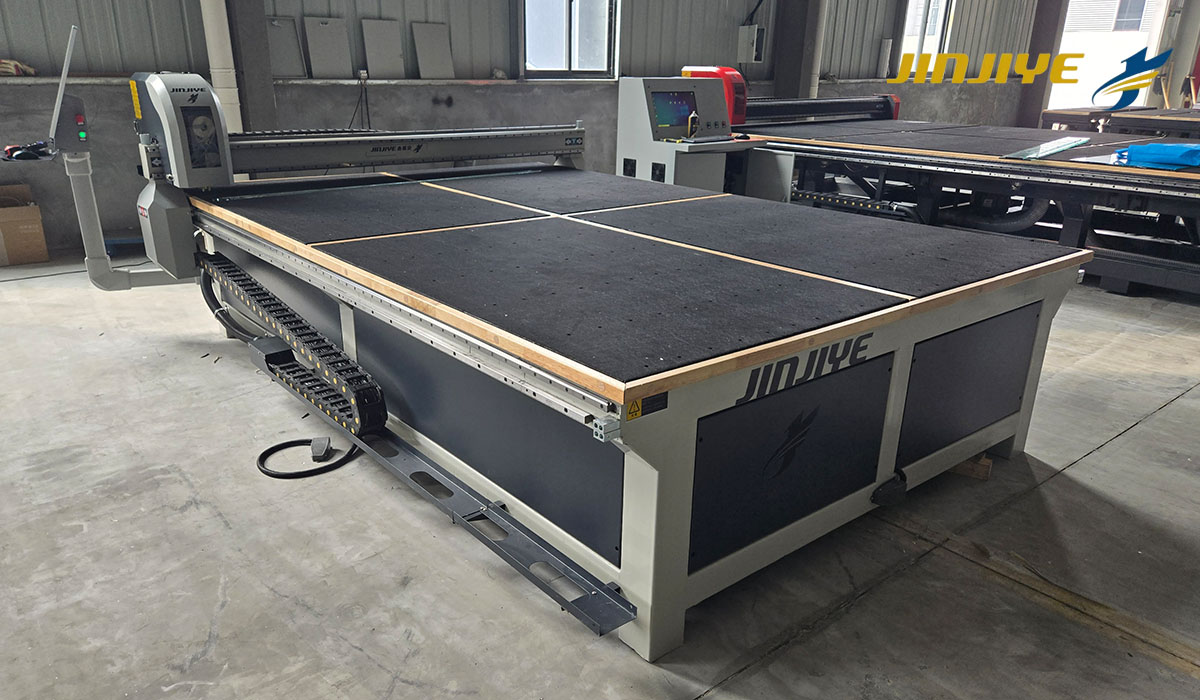
Measure what was imported
A familiar shape on screen is easy to accept at a glance. Before nesting it, get the supplier to read back its width and height from the imported geometry. The figures you get should match the approved dimensions for the cutting outline.
For a hypothetical trial, take a rectangle marked 1,000 mm wide that measures 980 mm after import. Before running it, someone has to find the missing 20 mm—wrong revision, wrong geometry or wrong import setup. The width comes from the contour. Rewriting the nearby note won't change it.
Agree the drawing units before importing the file. Go through the import settings once with the supplier and note the units and any scaling. For a file with no unit information, find out whether the importer applies a default, asks the operator or refuses the file.
For shaped work, mark one or two features on the trial drawing that you'll check on the glass. A curve's radius or an offset from a straight edge can reveal a mistake that overall width and height won't show. For an offset, mark the straight edge you're measuring from and use it again on the glass.
Choose the production contour
A customer drawing can contain the glass outline, dimension lines, notes and other details for manufacture. The person preparing the cutting job needs to identify which geometry belongs to this operation.
Have the supplier import the original file during the trial. Where the file needs cleaning up, do that work as part of the trial. Keep the customer's original and the cutting version, with a note of the lines removed or curves converted.
The outermost outline isn't always the one for the glass. One could show the glass and another the surrounding frame. A hole or fitting detail may describe work for a later machine. Its presence in the DXF doesn't establish that the scoring table will perform it.
Look at the selected cutting contour before it enters the production batch. For an asymmetric part, mark which face the drawing is viewed from. Then locate its offset or short edge in the imported contour. The offset belongs on the side shown in the approved view.
Try a few of your own shaped files in the software being quoted, then confirm that the resulting outlines suit the proposed scoring and breakout process. A successful import of a rectangle leaves more complex files untested.
Is the drawing for the blank or the finished pane?
The size required at cutting depends on what happens next. If later edge processing changes the dimensions, the cutting job and the finished-glass drawing may require different outlines.
That allowance needs one agreed owner. It might already be included in the supplied cutting file, or it might be added through the factory's production preparation. If both people add it, the pane can be oversized. If neither adds it, the blank can reach the edging machine without enough material left for the specified finish.
Write down both sizes: what must leave the cutting table and what the finished pane must measure after edging. Keep the tolerances with them. The extra stock comes from that job's edge-processing requirements, not a standard amount added to every file.
A supplier trial should make that distinction visible. The pane measured after breakout should be compared with the agreed cut size. Where further processing forms part of the trial, measure the finished pane at that stage against its own drawing.
Keep the file behind the accepted sample
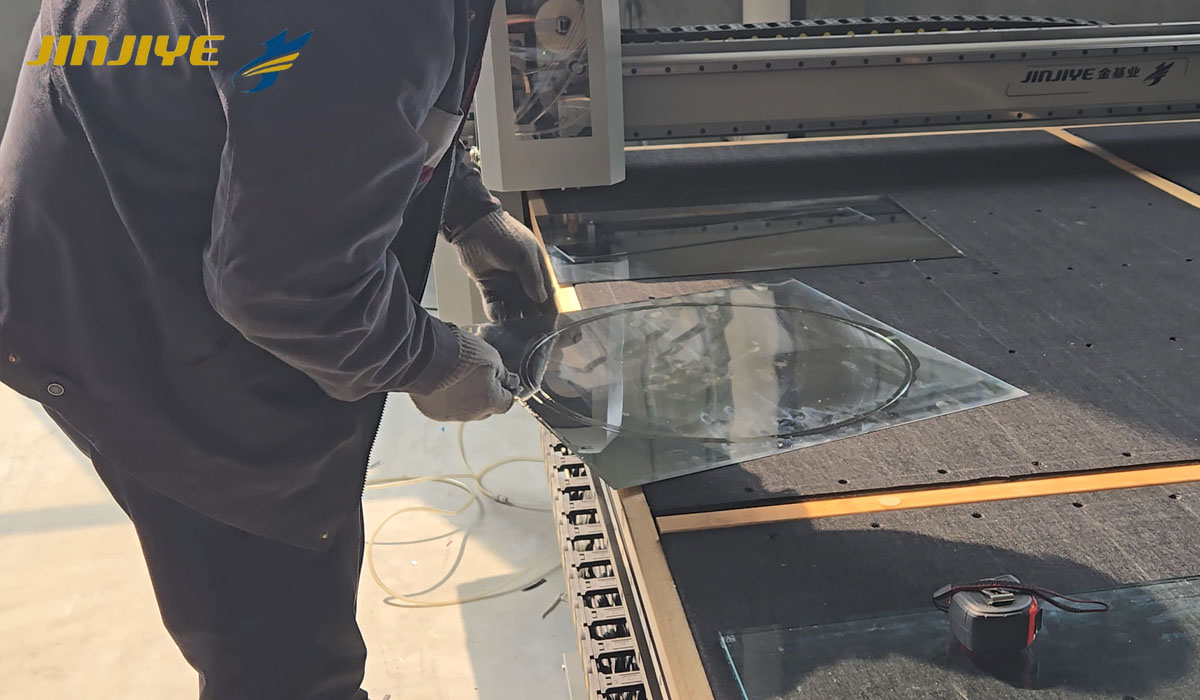
Once the sample has been scored, separated and measured, retain its job reference with the result. Record the source drawing revision and the production file used, including any approved correction made during preparation.
This becomes useful when a repeat order arrives. A similar filename won't tell the next operator whether it contains the earlier contour or the corrected one. There needs to be an identifiable approved version to call up.
The same record helps investigate a dimensional problem. If the imported contour already differs from the agreed drawing, investigate the data preparation and import first. If that contour agrees but the separated pane doesn't, the machine setup, measurement method and cutting result need review. Changing both the file and the machine at once makes the cause harder to trace.
JINJIYE's semi-automatic glass cutting machine lists AutoCAD drawing import. Send a sample from your own drawing files when discussing this function. Keep the dimensioned drawing and glass specification with it, and explain what processing follows cutting. Ask for the supported file versions, any conversion work and the software included in the proposed setup.
A useful trial should leave your operator with the approved file and an understood preparation method, as well as a pane that measures correctly.