English
 Español
 Português
 Русский
 Deutsch
 Francés
 العربية
 한국어
한국어
 Türk
Türk
 日本語
日本語

What Production Records Should an IGU Line Keep for Quality Troubleshooting?
What Production Records Should an IGU Line Keep for Quality Troubleshooting?
The most useful IGU production line records connect every batch with its glass specification, production shift, first-piece result, alarms, downtime and setting changes. When a defect returns, this short timeline helps the team see what changed before the problem appeared. Record facts rather than guesses, give each batch one clear identity and never erase the original entry after making an adjustment. A paper form or spreadsheet can work well when it is completed consistently. Automatic data collection only becomes valuable when someone reviews the information and acts on it.
Start With a Batch Identity
A record is difficult to use when the glass, spacer frame and finished unit all carry different names.
Assign one batch or order number before production begins. That number should follow the product through glass washing, spacer preparation, assembly, pressing and any connected sealing process.
The batch record should identify:
Order or batch number
Date and production shift
Operator or responsible team
Glass dimensions and pane thickness
Double- or triple-glazing construction
Glass type, including Low-E where applicable
Spacer specification
Relevant material batch information
Selected production program or recipe
The information does not need to be complicated. It only needs to let a supervisor identify what was being produced when the problem occurred.
Record the First Piece After a Changeover
The first unit after a size or product change deserves more attention than the twentieth.
A wrong dimension, unsuitable program or incorrect material may be repeated through an entire batch if the first unit is not checked. The production record should therefore show whether the first piece was accepted, corrected or rejected.
Depending on the ordered equipment and factory procedure, the first-piece check may include:
Glass surface is clean and dry
Glass and spacer dimensions match the order
Spacer position and edge alignment are acceptable
The assembled unit matches the required construction
No unexpected contact occurs during conveying
Required process or quality checks have been completed
Use the acceptance limits defined by the factory, customer, material supplier or applicable standard. Do not copy an online tolerance into the production sheet without confirming that it applies to the actual product.
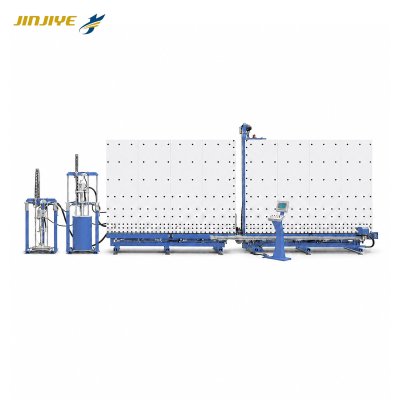
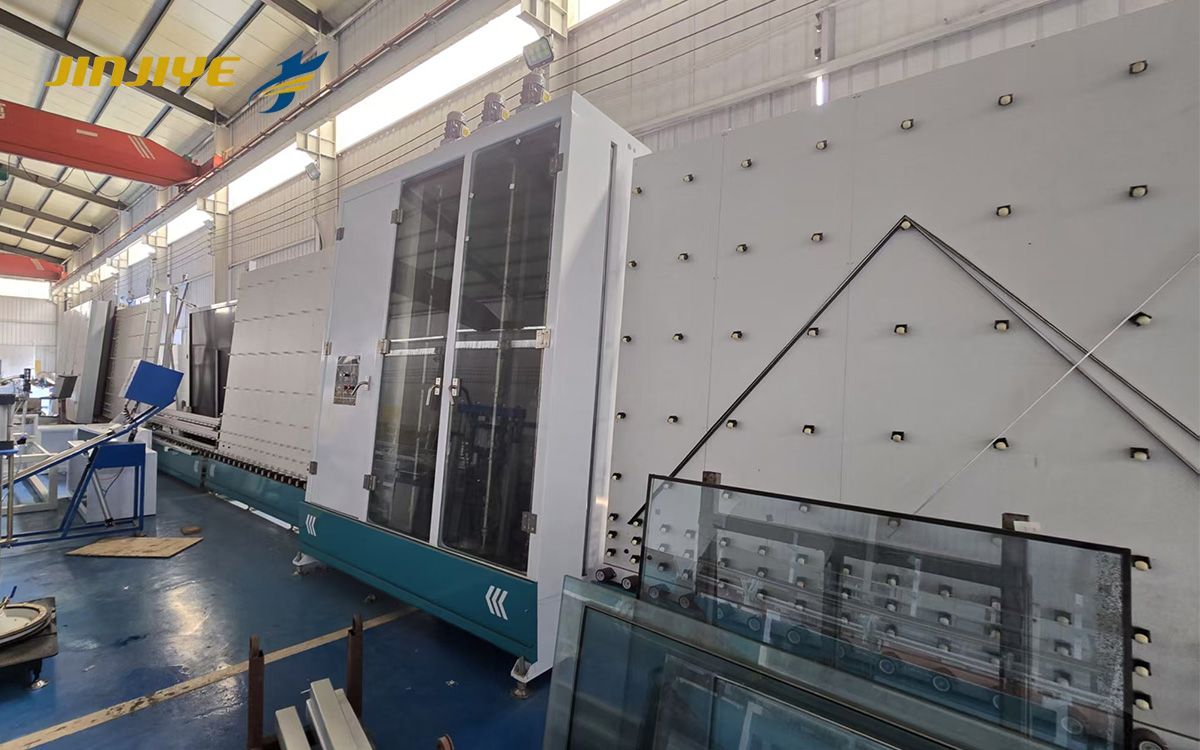
Factories comparing configurations can review the JINJIYE insulating glass production line range, but the record fields should always reflect the functions installed on the specific line.
Give Every Alarm a Time and Location
“Machine stopped again” is not enough information for a maintenance team.
For every significant or repeated alarm, record the time, displayed message, machine section and product being processed. Also note what the operator observed immediately before the stop.
Useful observations might include:
The glass had just entered or left a transfer section
A new product size had been selected
The same alarm appeared on consecutive units
The line restarted without an adjustment
A component was cleaned, repositioned or replaced
The problem returned after the temporary correction
Do not replace the displayed alarm message with an operator’s theory. Record the message first. The possible cause can be added separately after inspection.
Use One Short Downtime Record
A practical downtime sheet does not need dozens of columns.
| Record field | Why it matters |
|---|---|
| Batch or order number | Connects the stop with the product |
| Start and restart time | Shows the actual interruption |
| First abnormal station | Narrows the inspection area |
| Alarm message or code | Preserves what the machine reported |
| Glass specification | Reveals whether the problem follows one size or type |
| Action taken | Prevents repeated unrecorded adjustments |
| Person responsible | Makes follow-up easier |
| Result after restart | Shows whether the action solved the problem |
Use consistent station names. If one shift writes “press entrance” and another writes “transfer number four” for the same position, later comparisons become unnecessarily difficult.
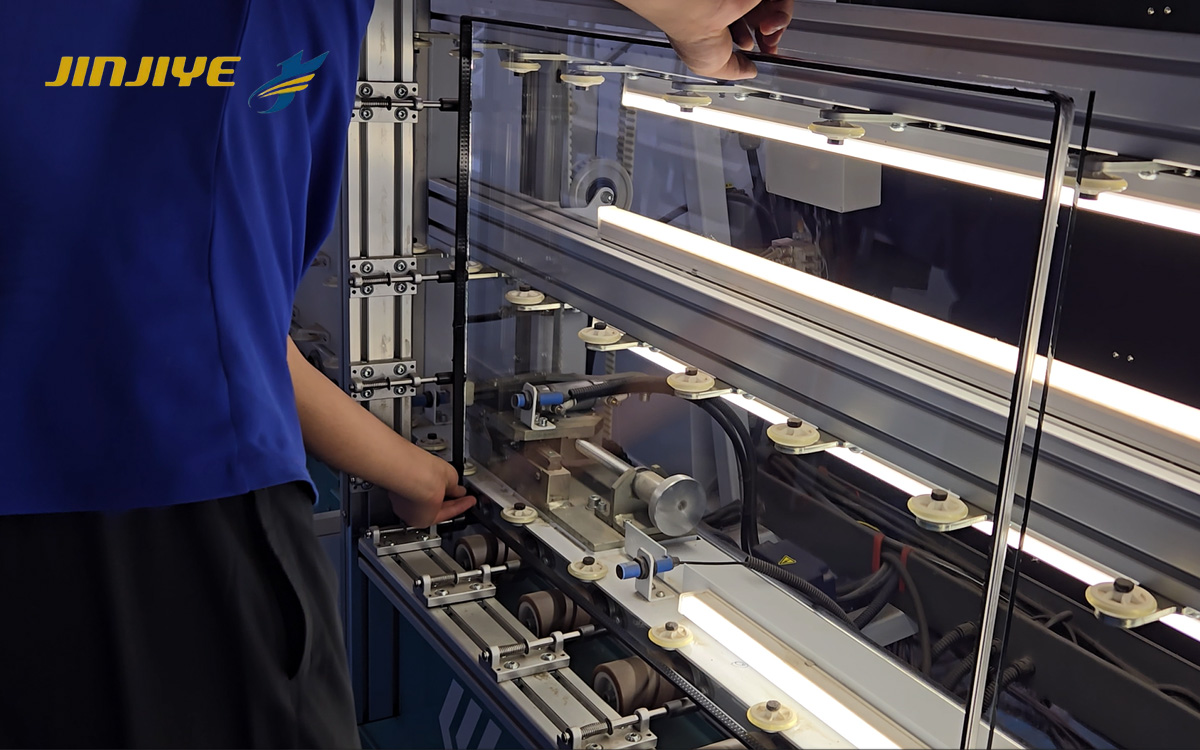
Connect Quality Defects With Production Events
A finished defect may have started several minutes earlier.
Suppose water marks first appear halfway through a shift. Check what happened before the first affected pane: Was water added? Was a filter cleaned? Did production restart after a pause? The record does not prove the cause, but it identifies what should be inspected first.
The same approach works for other problems:
If alignment changes after a size change, compare the selected order data and first-piece result.
If glass repeatedly stops at one location, compare the product size and alarm sequence.
If breakage appears at the same transfer point, inspect the support and alignment around that position.
If finished units begin waiting between processes, compare cycle and downtime records from the connected stations.
For a detailed physical inspection sequence, see Why Glass Breaks During IGU Production.
Record Every Setting Change
Changing several settings together may make the problem disappear, but it also hides which change mattered.
Before an adjustment, record the original value or condition. Change one approved variable where practical, run a controlled test and record the result. If the adjustment does not help, return to the documented baseline before trying the next step.
Only trained personnel should change settings covered by the machine manual and factory procedure. Mechanical, electrical or safety-related adjustments may require an authorized technician.
When asking for remote support, send the supplier:
Machine model or identification
Product specification
Alarm message and time
Original operating condition
Changes already attempted
Photos or a safely recorded video
Result after each change
This is far more useful than sending a photograph of the final defect without explaining when it began.
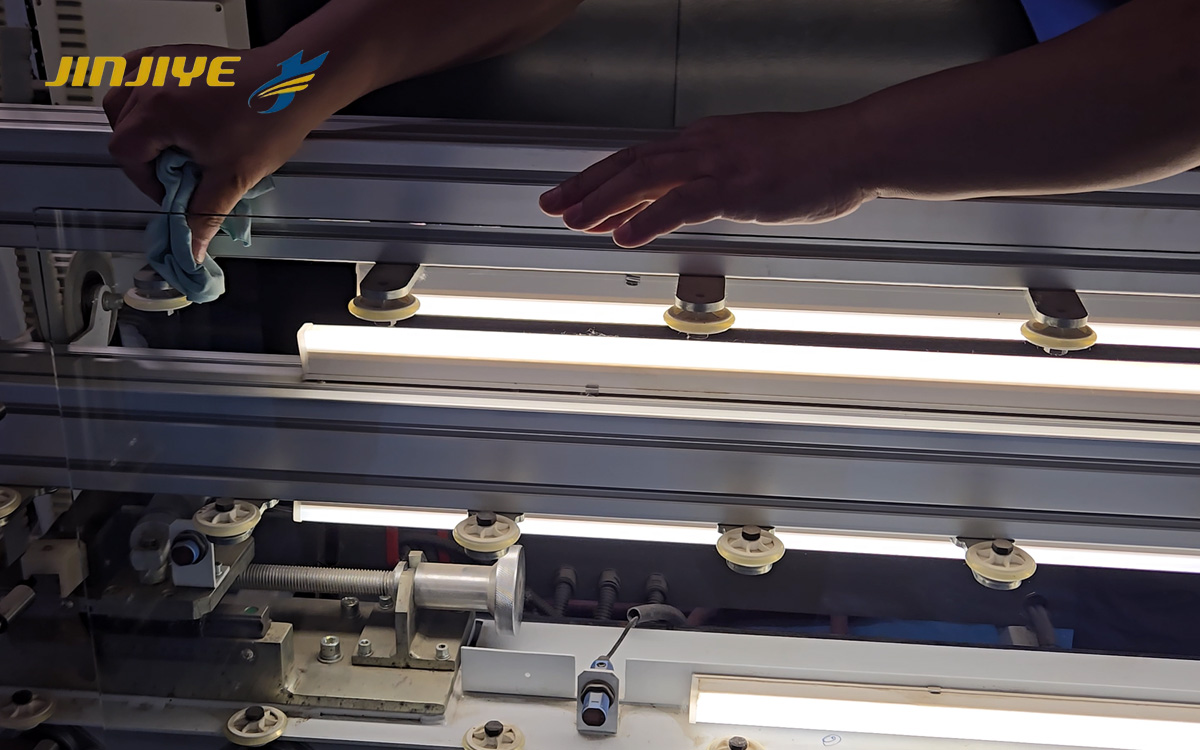
Paper, Spreadsheet or Automatic System?
The best recording method depends on order volume and line configuration.
A small factory may begin with a printed shift form. A spreadsheet is useful when supervisors need to filter records by date, size, defect or alarm. Automatic recording can reduce manual entry when the equipment supports data export or connection to a production-management system.
Do not assume that every fully automatic IGU production line stores or exports the same information. Confirm available data functions, interfaces and optional software with the supplier before purchasing.
Whatever method is used, protect the original record. Corrections should show what was changed, when it was changed and who made the change.
Review the Records Every Week
Records that are never reviewed become paperwork rather than quality control.
A short weekly review can identify:
Repeated alarms at the same station
One glass size connected with frequent stops
Longer changeovers on a particular shift
Recurring first-piece corrections
Increasing downtime after a maintenance interval
Quality defects that appear after the same production event
The purpose is not to blame an operator. It is to find patterns early enough to prevent another batch from being affected.
Frequently Asked Questions
Do all automatic IGU lines store production records?
No. Available records depend on the control system, software and purchased options. Ask which data can be viewed, saved or exported.
What is the most important record?
A batch identity linked to the product specification, time, first abnormal station and action taken is a useful starting point.
Should every short stop be recorded?
Factories can define a practical threshold, but repeated short stops should not be ignored. Several small interruptions may reveal an emerging problem.
How long should IGU production records be retained?
Retention depends on customer requirements, certification programs, warranties and local rules. The factory should define and document its own retention policy.
Can production records prove the exact cause of a defect?
Not by themselves. Records reveal timing, changes and repeated patterns. The suspected cause still needs physical inspection or appropriate testing.
Turn Production Data Into Useful Evidence
Good records do not require an expensive software project. Start with one batch number, one first-piece check and one consistent method for recording alarms, downtime and adjustments.
When contacting JINJIYE about an insulating glass production line, provide your normal products, quality-control requirements and the production information you want to retain. The available recording and communication functions must then be confirmed for the selected equipment configuration.